
Campaign tracking, connected
Clean campaign links.
Reliable marketing data.
Create consistent UTMs, keep your team aligned, and validate campaign tracking in GA4—all in one place.
Free Starter plan. No credit card required.
Built by Optizent
Campaign tools with an analytics perspective.
One connected workflow.
Create. Standardize. Validate.
01 / Create
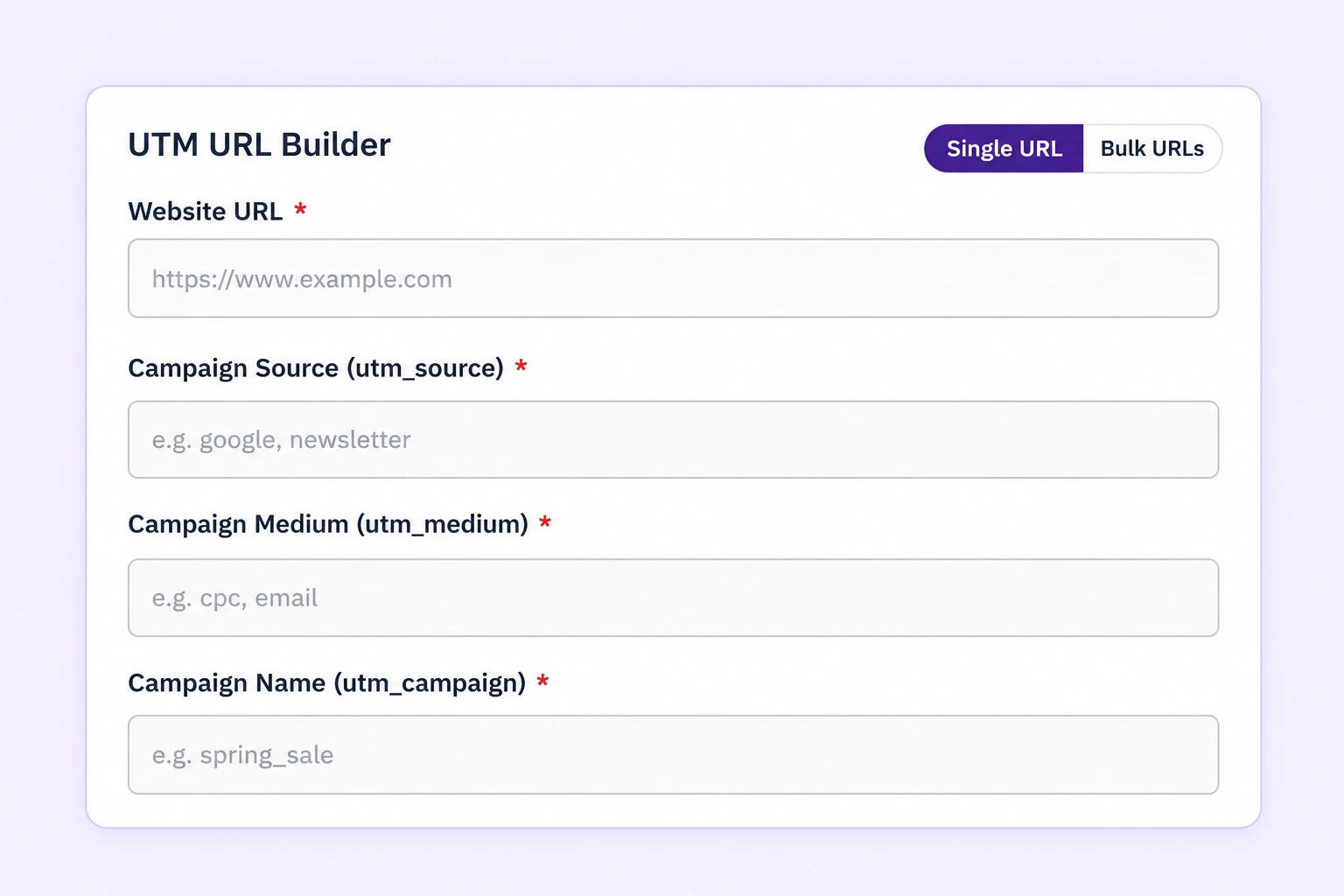
Create campaign links without the repetitive work.
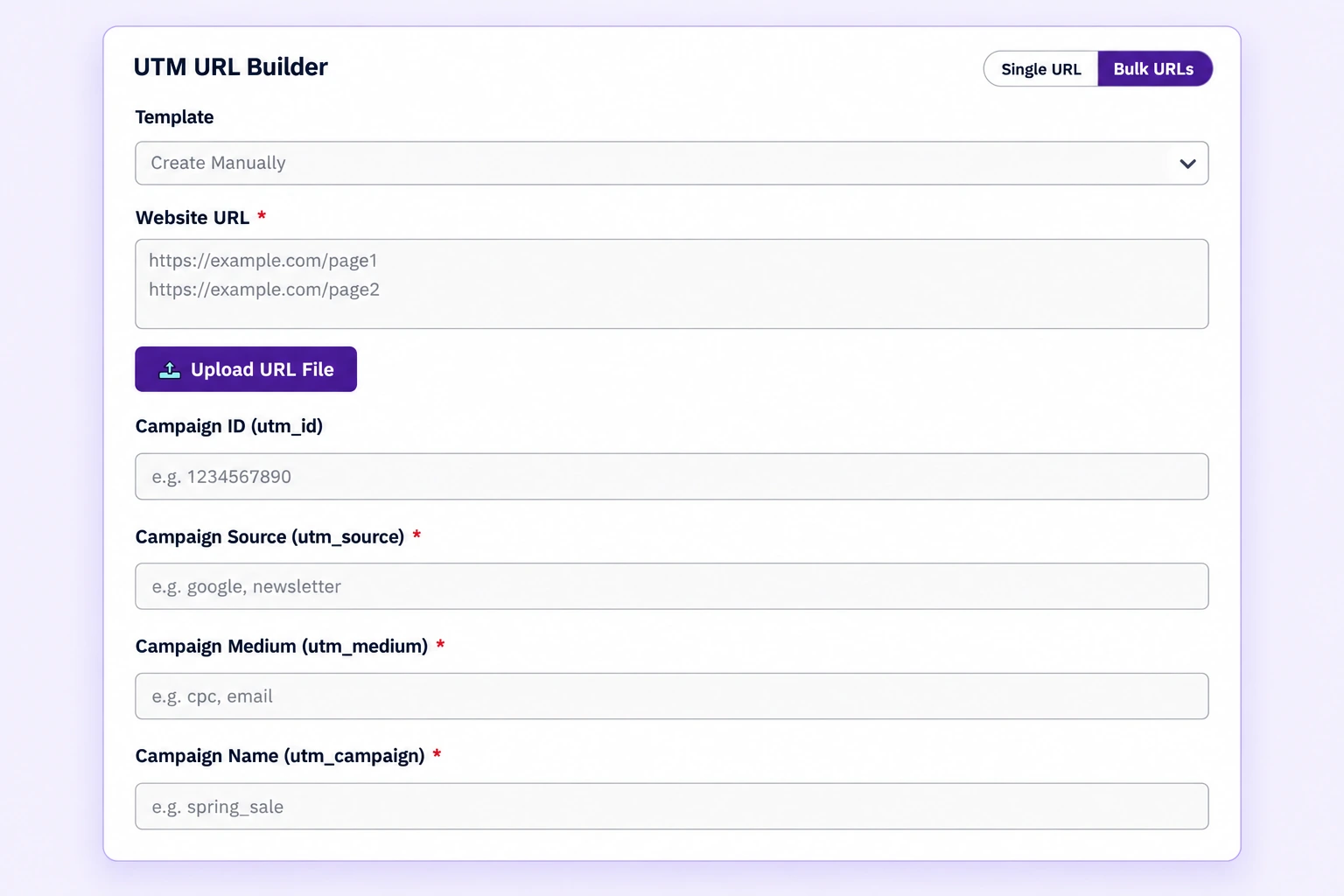
Turn a destination URL into a campaign link you can save, copy, and export. Reuse templates for recurring campaigns, or tag multiple URLs in one batch.
- Build and save individual campaign links.
- Import existing links and export your library.
- Reuse templates and bulk-tag URLs on Pro or Scale.
Single-link creation, import, and export are included in Starter. Templates and bulk tagging require Pro or Scale.
02 / Standardize
Keep campaign naming consistent across your team.
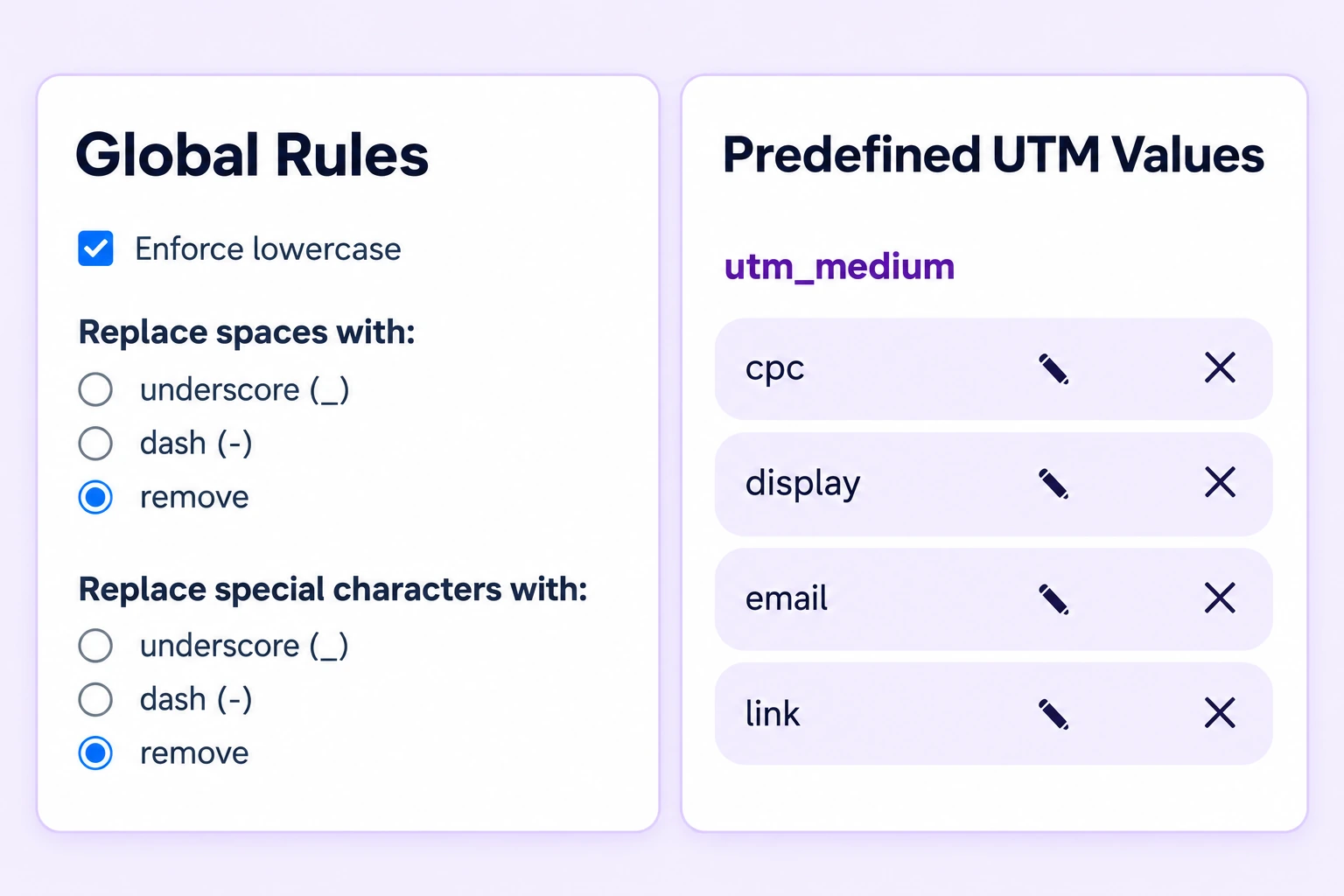
Keep campaign naming consistent with shared rules, predefined values, and reusable templates.
Shared rules on Starter; predefined values and templates on Pro or Scale. Organization-wide templates on Scale.
03 / Validate
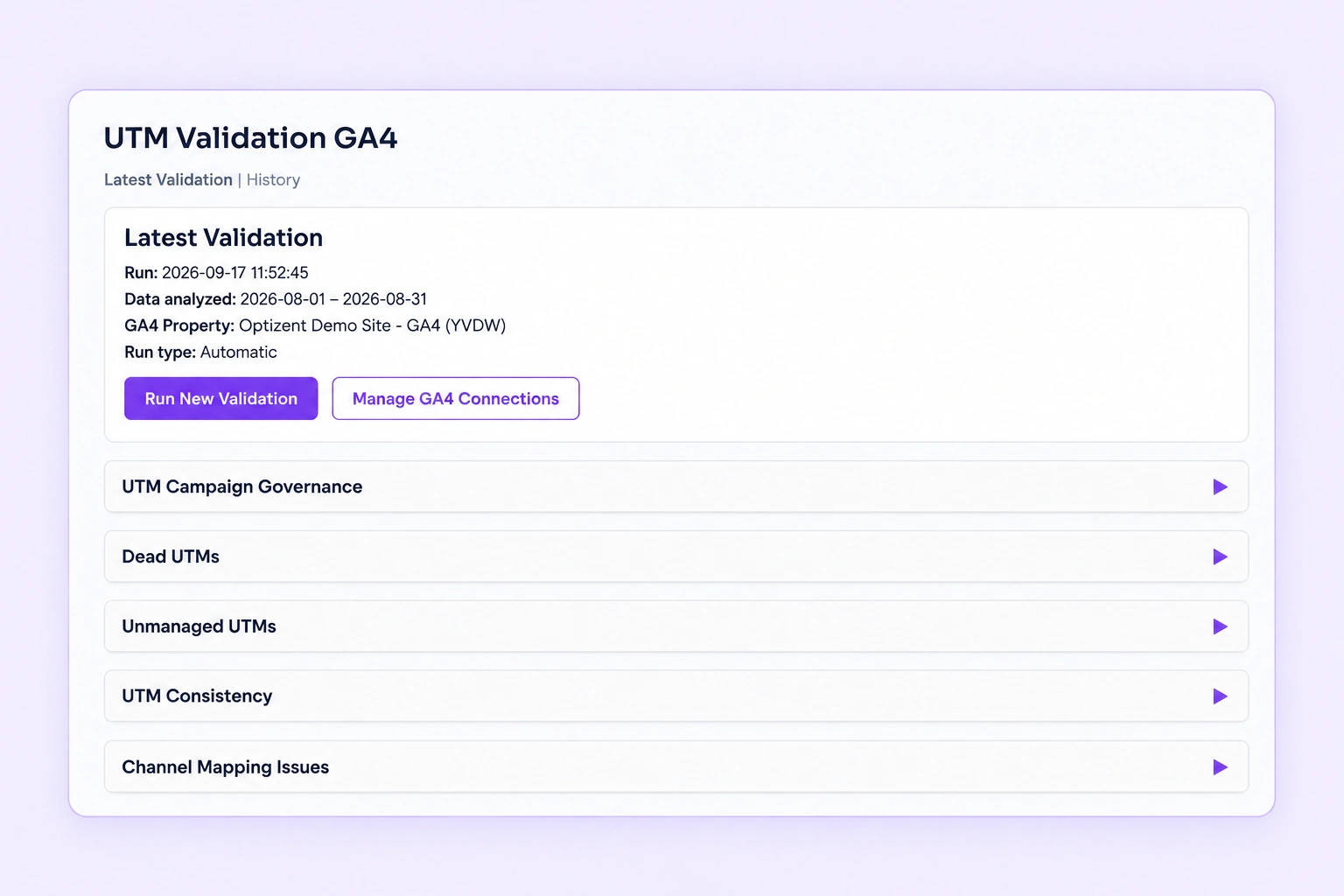
Check what reaches GA4.
Connect your organization’s GA4 property to compare campaign traffic with your UTM standards. Review inconsistent values, campaign mismatches, and medium values that may lead to unassigned traffic.
Monthly validation reports help organization administrators review findings and changes over time.
GA4 validation is available on all plans and requires an active GA4 connection. Findings depend on the data returned by the connected property.
How it works
A clearer path from link to report.
Start with your campaign links. Add shared standards and GA4 validation when you’re ready.
Set your campaign standards.
Agree on naming conventions and configure your organization’s rules. Add templates and predefined values on Pro or Scale.
Create and share campaign links.
Build tagged URLs, save them to your library, and copy or export them for your campaigns.
Review campaign tracking in GA4.
Optionally connect a GA4 property to review validation findings and monthly reports.
A customer’s perspective
Consistency that makes a difference.
“It not only saves time, but also brings consistency and trust to how we create UTMs.”
Dipesh ShahMarketing Consultant, UK
Can I use UTM Manager alongside my spreadsheet?
Yes. You can import existing UTM links and export your saved links, so you can keep a spreadsheet in your workflow. Import and export are available on Starter.
Can I create campaign links in bulk?
Yes. Pro and Scale include bulk tagging: enter multiple destination URLs and apply your campaign parameters together. Starter supports individual link creation.
Can my team use shared campaign standards?
Yes. Organization rules are included on Starter. Pro and Scale add parameter rules, predefined values, and templates shared with individual teammates. Scale adds organization-wide template sharing and organization preferences.
How does GA4 validation work?
Connect your organization to a GA4 property, then run validation to compare reported campaign data with your configured UTM standards. Findings include naming inconsistencies, campaign mismatches, and channel mapping issues. Validation is available on all plans with an active connection; monthly reports go to organization administrators. It does not diagnose every attribution problem.
What is included in the free plan?
Starter includes individual campaign links, import, export, organization rules, teammate invitations, QR codes, and GA4 validation with a connected property. Bulk tagging and templates require Pro or Scale. New organizations receive the existing Scale-then-Pro trial before moving to Starter; view plan details.
Do I need a credit card to get started?
No. The existing signup flow does not request payment details. You can start free and continue on the free Starter plan after your trial.
Bring consistency to your campaign tracking.
Create clean links and make campaign data easier to trust.